Registering a product
To download Live or have Push or Move associated with your email, you will need to register the license serial number or Push and Move registration code to your Ableton.com account. These are both 24-digit and alpha-numeric.
When purchasing Live, Push or Move from Ableton.com, the license serial number and the Push or Move registration code are automatically registered to the email address that is used during the purchase.
If you were not signed in during checkout, the license serial number will be emailed to you for manual registration. The Push or Move registration code is on the back of the Push or Move.
If you bought Live from a third party, they will provide a 24-digit serial number that you can use to register on Ableton.com.
To get started, create an account on the Log in page, or log into your existing Ableton.com account.
Once signed in, go to the Account tab on the top right of the page, and you will be prompted to register a license if there is not an existing one.
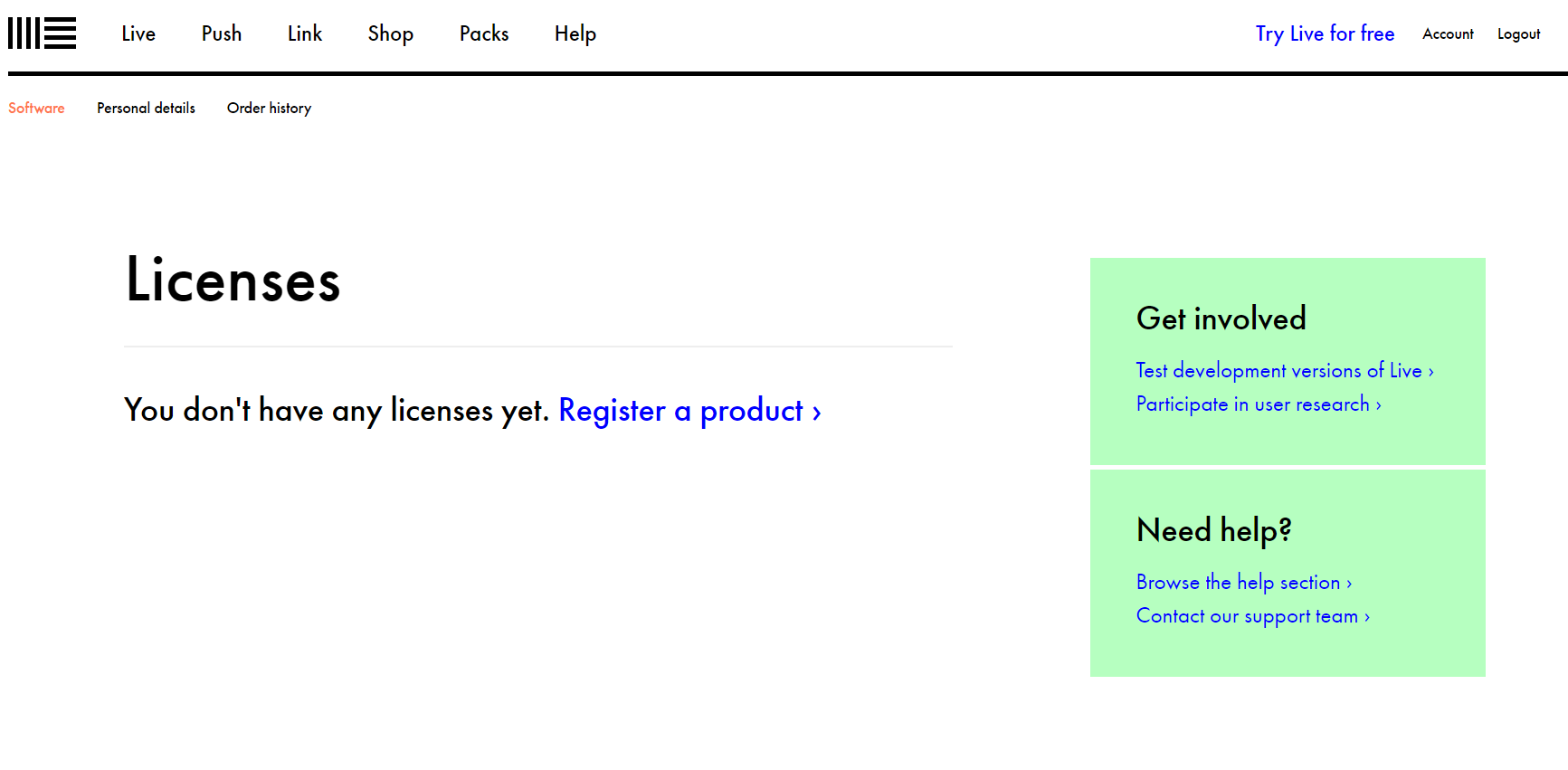
If you do have a license already registered, you can choose to register a new serial from the drop-down menu next to your current serial.
Once registered, you will be able to download any software installers as needed.
If you encounter any problems during the registration, please take a look at this troubleshooting article for possible solutions.